Registering a Wifibri Account
To connect to the Wifibri network for the first time, you need a Wifibri account.
If you do not have an account yet, you can create one in just a few simple steps.
Before You Begin
You will need a valid activation code to complete the registration process.
Haven’t received an activation code yet? Please refer to the Creating a Wifibri Account page first.
If you have received your activation code by SMS or email, you can start the registration process at:
👉 https://admin.wifibri.be/register
Step 1: Enter Your Activation Code
Enter your activation code and click Next.
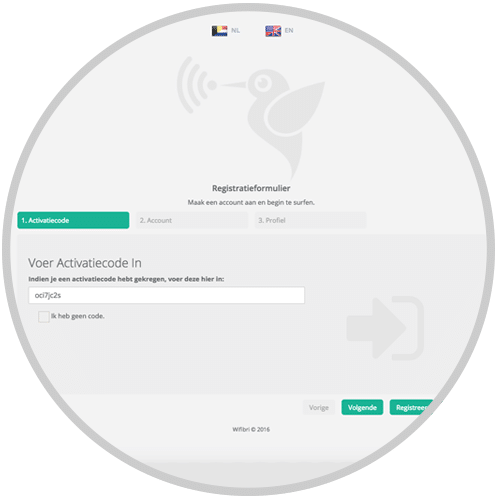
If the activation code is valid, you can proceed to the next step.
Step 2: Set Up Your Account
Enter your email address and choose a password.
This email address will be used later to sign in to the Wifibri network.
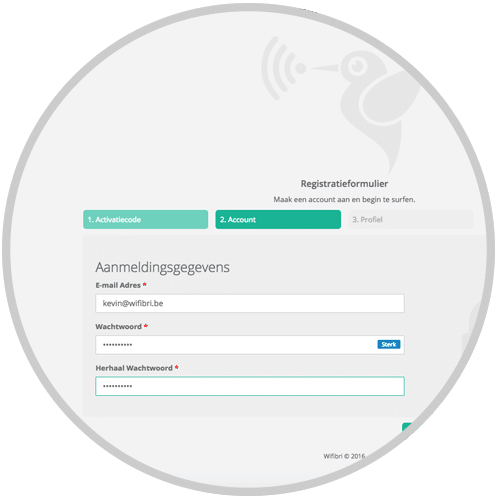
Click Register to create your account.
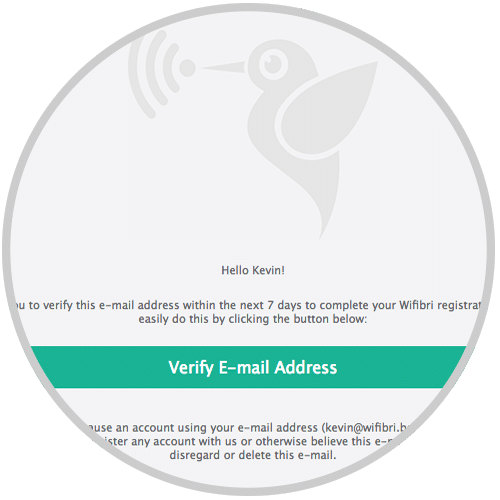
Step 3: Receive the Confirmation Email
After registration, a confirmation email will be sent to the email address you provided.
Didn’t receive the email?
Be sure to check your Junk Mail or Spam folder.
Step 4: Verify Your Email Address
Open the confirmation email and click Verify Email Address to activate your account.
After a successful verification, you will see the following confirmation message.
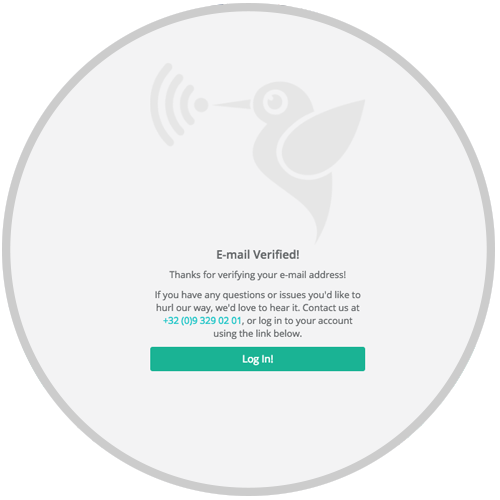
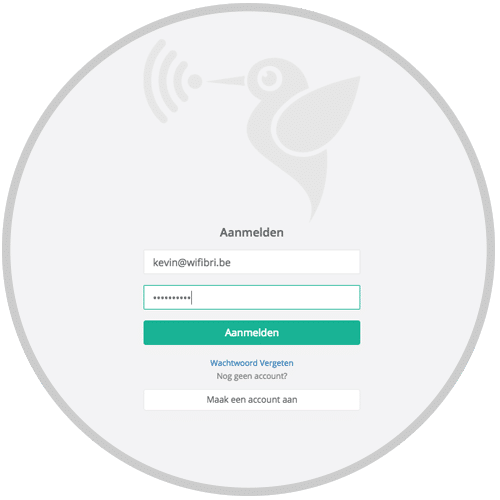
Step 5: Sign In
Your account is now active.
You can now sign in to the Wifibri network using:
- Your email address
- Your chosen password
Registration Problems?
Unable to register your account or obtain an activation code?
Please contact the Wifibri helpdesk and provide the following information:
- Your address
- Your room or unit number
- The email address you are trying to register with
This will help us assist you more quickly.